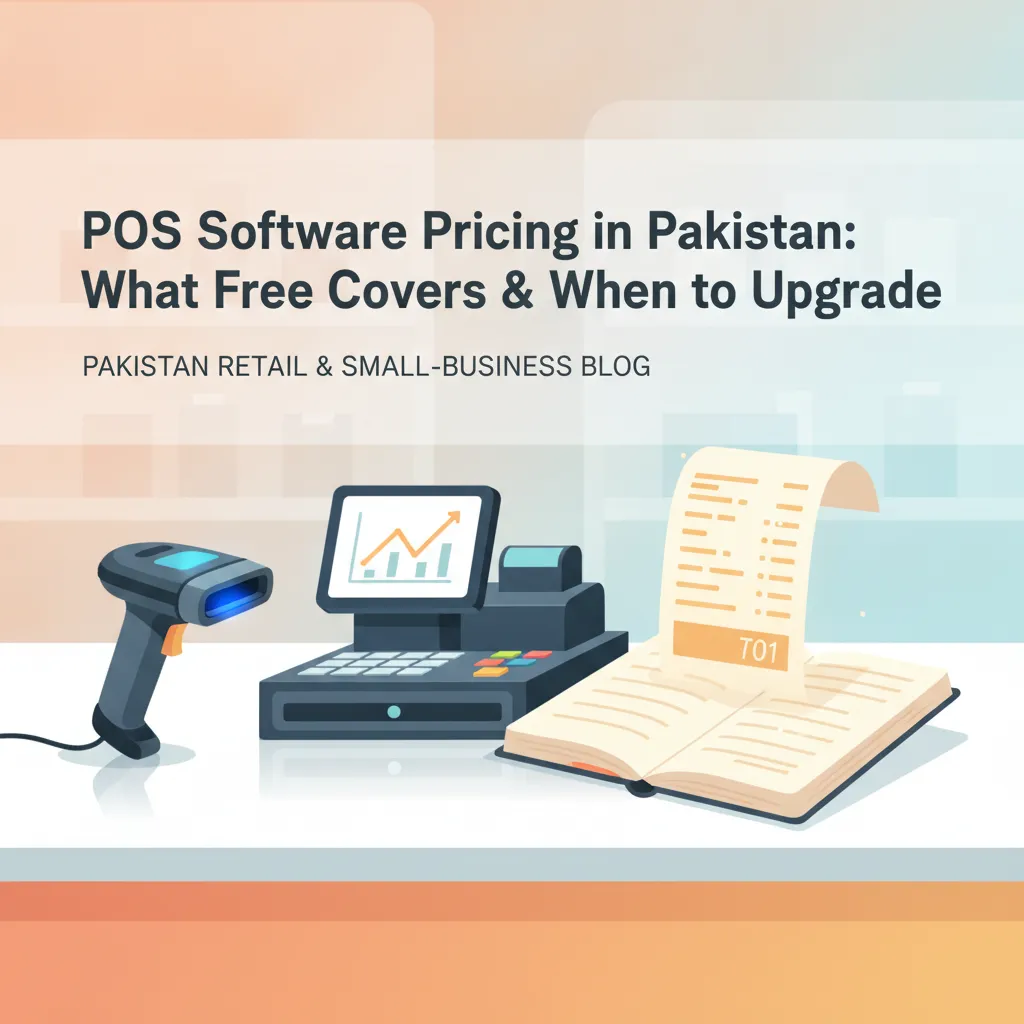
POS Software Pricing in Pakistan: What Free Covers & When to Upgrade
Wondering whether free POS software is enough for your shop or if hidden fees will add up? Here is how Pakistani retailers evaluate costs, calculate real ROI, and choose the right tier.
Walk through any bustling commercial hub in Lahore’s Hafeez Centre, Karachi’s Bolton Market, or Rawalpindi’s Raja Bazaar, and you will notice a rapid shift taking place across checkout counters. The grease-stained paper khata and manual calculator are quickly disappearing. In their place, shopkeepers are deploying computer billing to stop checkout bottlenecks, plug inventory shrinkage, and keep better tabs on daily profits.
Yet, when evaluating software, many store owners hit a dilemma. On one end, some legacy vendors demand heavy upfront fees running upwards of Rs 40,000 to Rs 80,000 for locally installed software licenses, often charging extra whenever you need a technician to visit. On the other end, promises of "free POS software" appear everywhere online. That raises natural doubts: Can a free point-of-sale system genuinely run a commercial business in Pakistan? What are the actual hidden costs, and how do you calculate whether paying for an upgraded plan makes financial sense?
What a Free POS Can (and Cannot) Do for Your Counter
To evaluate software honestly, you have to separate realistic tier allowances from marketing hype. A genuine free POS tier is designed to help small and emerging retailers digitise without taking on monthly overhead before their cash flow stabilises.
What a Good Free POS Delivers
- Digitised counter billing: Generating instant digital receipts and scanning barcodes instead of writing out paper chits by hand.
- Catalog organization: Storing several hundred to a thousand core product stock-keeping units (SKUs) with pre-set sale and purchase rates.
- Daily sales visibility: Tracking how much cash entered the till each evening, cutting down discrepancies between the register and sales records.
- Basic customer records: Keeping contact details and purchase histories for your regular buyers.
Where Free Tiers Reach Their Practical Limits
No software company can offer enterprise-level infrastructure for free indefinitely. Free plans are purposefully scoped for single-till, starter operations. They typically cap daily sales transaction counts (such as up to 100 sales per day) and SKU catalogs (such as 1,000 products). Furthermore, free tiers usually display vendor branding or a small watermark on printed customer receipts, limit simultaneous terminal logins to a single cashier, and restrict multi-branch management.
If you run a neighbourhood boutique, a corner pharmacy, or an independent mobile accessories counter, those limits may fit your operations comfortably for months. But as customer footfall climbs, knowing the total cost of ownership becomes essential.
Unmasking the Hidden Costs of Point-of-Sale Systems
Whether you adopt free or subscription-based software, software is only one component of your billing counter. Failing to account for peripheral hardware, utility backup, and workflow maintenance leads to unpleasant surprises.
1. Essential Counter Hardware
You do not need an industrial, all-in-one touchscreen terminal to start. Most modern cloud and hybrid POS systems run on existing Windows desktop PCs, laptops, or Android devices. However, you will still need essential peripherals:
- Thermal Receipt Printers: Compact 58mm thermal receipt printers start around Rs 6,500 to Rs 10,000, making them ideal for tight spaces and starter setups. Larger 80mm auto-cutter receipt printers for fast-moving grocers range between Rs 12,000 and Rs 20,000.
- Barcode Scanners: Standard 1D handheld USB laser scanners cost approximately Rs 3,500 to Rs 5,000. If you stock goods with 2D codes or accept digital wallet QR scans directly from customer smartphone screens, 2D image scanners generally begin around Rs 6,500 to Rs 9,000.
- Paper Rolls: Unlike traditional inkjet printers, thermal units require zero ink cartridges or ribbons. You only pay for thermal paper rolls, which cost roughly Rs 80 to Rs 150 each depending on width and paper grade.
2. Power and Connectivity Realities in Pakistan
Counter software that relies entirely on a non-stop internet connection will fail your shop during routine broadband dropouts or localized power cuts. If your internet goes down on a Saturday night rush, you cannot tell customers to wait outside.
To avoid revenue loss, calculate the cost of contingency: a basic 600VA–1000VA mini-UPS or router backup (Rs 4,000 to Rs 12,000) to keep your billing counter live during load shedding, paired with POS software engineered with an offline mode that buffers transactions locally on your computer and syncs them automatically once connectivity returns.
3. The Trap of "One-Time Payment" Offline Software
Many shopkeepers choose unbranded, cracked, or one-off CD-installed software from local markets to avoid monthly fees. When the hard drive corrupts, an operating system update breaks the driver, or the original technician changes phone numbers, all previous ledger data is lost. The true cost of "cheap" offline software is paid later in lost stock history and downtime.
How to Calculate POS Return on Investment (ROI)
Cost is only half the equation; value is the other. Rather than viewing POS software as an expense, evaluate it by the money it preserves and recovers each month. Here is a simple framework to calculate real ROI across three core areas:
Step 1: Quantify Time Saved at the Counter
Handwriting a paper receipt, searching price sheets, and punching a desktop calculator takes roughly 60 to 90 seconds per customer. With a barcode scanner and an automated billing screen, that drops to 15 seconds. If you process 80 customer transactions daily, saving 60 seconds per customer frees up 80 minutes every single day.
That recovered time prevents impatient customers from walking out during evening rushes and allows your staff to restock shelves, verify vendor deliveries, and assist high-value shoppers.
Step 2: Plug Cash Register and Pricing Leakages
In manual shops, cashier calculation errors, forgotten items on busy orders, and outdated price adjustments quietly eat 1% to 3% of gross turnover. If your shop turns over Rs 700,000 per month, a tiny 1.5% leakage represents Rs 10,500 lost every single month. A computerised system with fixed item prices and barcode scanning closes this gap instantly.
Step 3: Eliminate Unsold "Dead Capital"
Without automated stock alerts, retailers routinely over-order slow-moving inventory while running out of fast-selling lines. Real-time low-stock alerts prevent stockouts on top revenue generators, while sales reports reveal dead stock sitting on high shelves so you can discount it and free up working capital.
When you compare an operational leakage of Rs 10,000+ per month against software that starts free and upgrades for less than the cost of a few bags of dry goods, the return on investment is immediate.
Checklist: When Should You Upgrade from Free to Paid?
Starting on a free plan is smart business. It allows you to digitise your stock without financial pressure. But staying on a free plan for too long can inadvertently throttle your growth. Use this practical checklist to determine if your shop has outgrown its starter tier:
- Your inventory exceeds 1,000 items: If you run a mini-mart, garments store, or cosmetics outlet adding new variants weekly, hitting catalog ceilings causes unlisted items to be sold manually, defeating inventory accuracy.
- Your daily billing regularly passes 100 tickets: Crossing the 100 sales per day mark means your customer footfall is established; you cannot risk hitting transaction caps in the middle of a shopping holiday.
- You need a clean, custom receipt: As you build store equity, having a clean receipt featuring your own logo and contact details—free of any platform watermarks—enhances customer trust and repeat loyalty.
- Long queues demand multiple counters: During peak hours (typically 6:00 PM to 10:00 PM in Pakistani retail), a single cashier creates customer friction. Upgrading to support multiple desktop terminals allows two or three cashiers to bill concurrently.
- You are delegating daily shop attendance: When hiring floor staff or non-family cashiers, you need strict user roles and permissions so cashiers can bill orders without viewing backend profit margins, supplier purchase costs, or overall expense statements.
How CPOS Helps Pakistani Businesses Scale Confidently
Finding POS software that respects your margins while providing a reliable growth path shouldn't involve guesswork. CPOS is engineered specifically for Pakistani businesses, addressing counter realities from Day 1.
For independent retailers, the CPOS Starter Plan is 100% free. It provides complete smart billing with barcode scanning, instant invoice generation, support for up to 1,000 product SKUs, and up to 100 sales transactions per day for 1 desktop and 1 web user. It includes guided quick setup in minutes, real-time inventory tracking with low-stock alerts, customer and supplier management, and comprehensive reports for sales, expenses, and profits.
Crucially for local infrastructure, CPOS features robust offline mode capability. If load shedding disrupts your internet service, your cashiers can continue scanning, issuing instant thermal bills, and completing sales without a hiccup. All transaction records are securely retained on the local machine and auto-sync to the cloud once your connection is restored.
When your shop expands, CPOS provides transparent, predictable pricing with no surprise maintenance fees:
- Basic Plan (Rs 1,850/month): Expands your catalog capacity to 3,000 SKUs, removes software watermarks from printed receipts, and supports 1 branch with 1 desktop and 1 web user.
- Standard Plan (Rs 3,900/month): Unlocks unlimited SKUs, 1 branch, 3 simultaneous desktop terminals, and 1 web user for multi-counter retailers.
- Savings & Flexibility: Paid plans include a 14-day free trial, a free demo, and a 10% discount when billed yearly. For multi-branch chains, custom enterprise onboarding and priority support consultations are available.
Making the Right Call for Your Counter
Running a successful retail business in Pakistan comes down to protecting your cash flow and managing daily operating risks. You do not need to spend tens of thousands of rupees upfront just to see if digital billing works for your counter. Begin with an honest assessment of your current catalog size, equip your checkout with reliable thermal hardware, and test your workflow on a capable free tier.
Ready to replace manual paperwork with fast barcode billing, eliminate stock discrepancies, and run your shop with full peace of mind? Take the first step today and start with CPOS free.
===CONTENT===