Barcode Setup for Pakistani Shops: The Step-by-Step Guide
Learn how to set up barcodes for unlabelled retail inventory in Pakistan, choose budget thermal printers, structure clean SKUs, and speed up checkout.
Picture a Saturday evening at your shop in Lahore’s Anarkali, Karachi’s Saddar, or Rawalpindi’s Raja Bazaar. Customers are lining up with items in hand, and your counter staff is squinting at handwritten paper tags, flipping through dog-eared notebooks, or yelling across the shop floor: "Bhai, yeh shirt kitnay ki thi?" Meanwhile, impatient customers tap their feet, lines stall, and simple human calculation errors eat away at your daily profit margins.
Many Pakistani retailers believe barcode systems are reserved for multinational hypermarkets or massive retail chains. Others assume that printing barcodes requires complicated registration with official bodies or expensive industrial machinery. In reality, any local boutique, general store, cosmetics counter, or mobile accessories shop can barcode its entire inventory within a few days on a modest budget.
Implementing barcodes eliminates pricing guesswork, stops checkout bottlenecks, prevents cashier theft, and makes stock audits painless. Here is a practical, step-by-step roadmap to setting up barcodes for your retail shop in Pakistan.
Manufacturer Barcodes vs. In-House Internal Barcodes
Before buying equipment, it is important to understand the two types of barcodes you will encounter on retail shelves:
- Manufacturer Barcodes (Global EAN/UPC): Packaged consumer goods produced by major brands (like FMCG companies, beverage manufacturers, or multinational cosmetics firms) arrive with a pre-printed 12- or 13-digit barcode. These codes are registered globally through standard organizations like GS1. Your point-of-sale system simply reads that number and associates it with the product record you enter.
- Internal (Store-Level) Barcodes: If you sell unbranded garments, fabrics from Faisalabad, mobile accessories from Hall Road, shoes from Shah Alam Market, or locally repacked goods, those products do not come with standard barcodes. For these items, you generate your own internal barcodes.
Crucial Rule for Retailers: You do not need to buy expensive global GS1 numbers just to tag items sold inside your own store. Internal barcodes operate strictly within your shop’s database and cost nothing to create.
For internal barcodes, the industry standard is Code 128. It is supported by virtually all standard optical scanners, accommodates both numbers and letters, and prints cleanly even on small retail price tags.
Designing a Clean SKU System
A barcode is simply a machine-readable font that displays your Stock Keeping Unit (SKU) number. If your SKU system is messy, your barcode setup will be messy too.
Avoid creating random, meaningless strings. Instead, use a logical structure that helps you and your sales staff identify what the item is just by glancing at the tag. A simple SKU formula works best:
[Category Code] - [Subcategory / Style] - [Variant / Size] - [Unique Item Number]
Consider how this looks in practice across different retail trades:
- Garments & Apparel: A medium black cotton lawn kurta might have the SKU
KRT-BLK-M-014. - Mobile Accessories: A transparent silicone case for a specific model might be
CAS-SIL-IP15-002. - Cosmetics & Personal Care: A 50ml herbal face wash might be
SKN-FW50-HRB-008.
If you prefer purely numeric barcodes to keep printed labels compact, assign predictable numerical ranges (for example, 10000 to 19999 for menswear, 20000 to 29999 for womenswear). Keep SKUs between 6 and 12 characters so they fit comfortably on standard 50mm x 25mm retail stickers without scanning distortion.
Hardware Checklist: What You Need and Realistic Costs in Pakistan
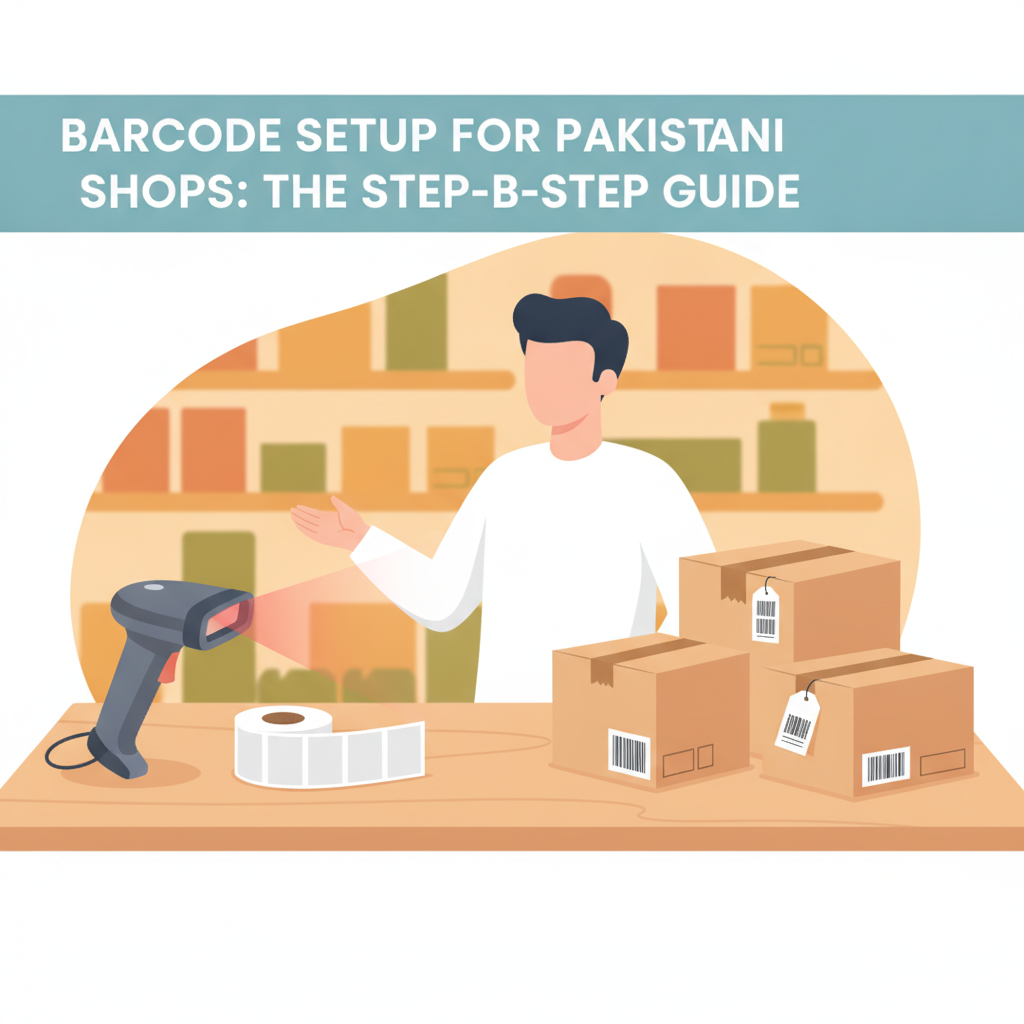
You do not need heavy enterprise setups to barcode a local shop. The essential setup requires only two pieces of hardware alongside your computer or smartphone:
- A Handheld Barcode Scanner (Rs 2,500 – Rs 6,000): A basic 1D laser or 2D image scanner with a USB connection is plug-and-play. Reliable wired handheld scanners from local computer markets (such as Hafeez Centre in Lahore or Techno City in Karachi) work immediately with desktop POS software. If your shop has tight counter space, a wireless Bluetooth or 2.4GHz scanner provides freedom of movement across the counter.
- A Direct Thermal Label Printer (Rs 15,000 – Rs 22,000): Dedicated thermal label printers (such as popular 2-inch and 3-inch Xprinter models) print without toner, ink, or ribbons. According to local retail tech listings, versatile direct thermal label and receipt printers typically range from Rs 15,000 to Rs 20,000 in Pakistan. They use heat-sensitive adhesive paper rolls to print crisp barcodes instantly.
- Thermal Barcode Sticker Rolls (Rs 350 – Rs 600 per roll): Standard self-adhesive thermal rolls—commonly sized at 50mm x 25mm or 38mm x 25mm—usually contain 800 to 1,000 labels per roll. Ensure you buy smudge-resistant thermal paper so printing does not fade under direct shelf lights or summer heat.
How to Barcode Your Stock Without Shutting Down the Store
The biggest reason shopkeepers delay barcoding is the fear that cataloguing thousands of items will force them to close the shop for days. You do not need to pause your business. Follow this staged transition plan:
Step 1: Tag the Fast-Moving 20% First
In almost every Pakistani retail shop, roughly 20% of your products account for 80% of your daily sales volume. Begin by barcoding those top-selling items. Once your fast movers are stickered, your counter lines will speed up noticeably, giving your staff immediate relief during peak hours.
Step 2: Enforce the "Inward Stock" Policy
Make an unbreakable rule for your stockroom: no newly arrived carton touches the display rack until it has barcode labels affixed. Whether goods arrive from a local distributor or a wholesale market trip, tag the batch at the receiving counter immediately. Over 30 to 45 days, your older untagged stock naturally sells off while all replenishments arrive pre-barcoded.
Step 3: Audit and Tag Dormant Shelves During Quiet Hours
Dedicate one hour every morning before the midday shopping rush to tackle one specific shelf or aisle. Print labels in small batches and affix them rack by rack. Within two weeks, even a store with 2,000 SKUs will be completely barcoded without losing a single hour of trading.
Four Costly Barcode Mistakes to Avoid
- Using standard office paper and tape: Cutting paper and taping it onto items looks unprofessional and peels off quickly in humid weather. Use proper direct thermal stickers that adhere firmly to boxes, polybags, and hangtags.
- Printing labels that are too dense: If your SKU text is squeezed too tightly, budget scanners will fail to read the thin black lines, forcing your cashier to enter numbers manually. Keep the barcode clean and include human-readable text beneath the barcode lines.
- Placing stickers over vital product details: Never place a price or barcode sticker over the manufacturer's expiry date, batch number, or fabric care guidelines. For clothing, attach the sticker to an existing brand hangtag or sew-in label.
- Neglecting search fallback: Labels occasionally get scratched, torn, or wet. Ensure your POS software allows cashiers to search for an item instantly by typing its SKU or name if an individual sticker is damaged.
How CPOS Helps You Manage Barcodes and Inventory
A barcode sticker is only as useful as the software behind it. CPOS provides Pakistani shopkeepers with an intuitive system designed for daily retail speed:
- Smart Barcode Billing: CPOS supports fast barcode scanning, pulling item descriptions and prices onto the screen in milliseconds and generating instant invoices for your shoppers.
- Automated Stock Adjustments & Low-Stock Alerts: Every scan automatically deducts units from your real-time inventory. When stock hits your preset safety threshold, CPOS triggers low-stock alerts so you reorder before running dry.
- Mobile Barcode Scanning: With the CPOS mobile app, your team can handle barcode billing or check stock levels straight from their smartphones—ideal for assisting customers on the retail floor.
- Offline Reliability: Power cuts and erratic broadband are common across Pakistan. CPOS features a robust offline mode that lets you continue scanning items and printing receipts on supported thermal printers without internet. All transactions are stored locally and automatically sync to the cloud once connectivity resumes.
- Risk-Free Starter Plan: Small shops can start on the CPOS Starter plan completely free, offering support for up to 1,000 product SKUs and up to 100 sales per day with 1 desktop and 1 web user.
Move Beyond Manual Counter Bookkeeping
Continuing to run a retail shop relying on memory, scribbled sticky notes, and paper registers costs far more in lost time, miscalculated change, and undetected stock discrepancies than a barcode setup ever will. By investing in an affordable thermal label printer and establishing a simple SKU formula, you can modernise your counter in less than a week.
Take control of your shelves, protect your counter revenue, and eliminate checkout bottlenecks today. Start with CPOS free and experience how effortless retail inventory management can be.
===CONTENT===