Running a Shop During Load Shedding & Internet Outages in Pakistan
Discover practical operations advice, hardware setups, and offline billing workflows to keep your retail store running smoothly during power and internet outages.
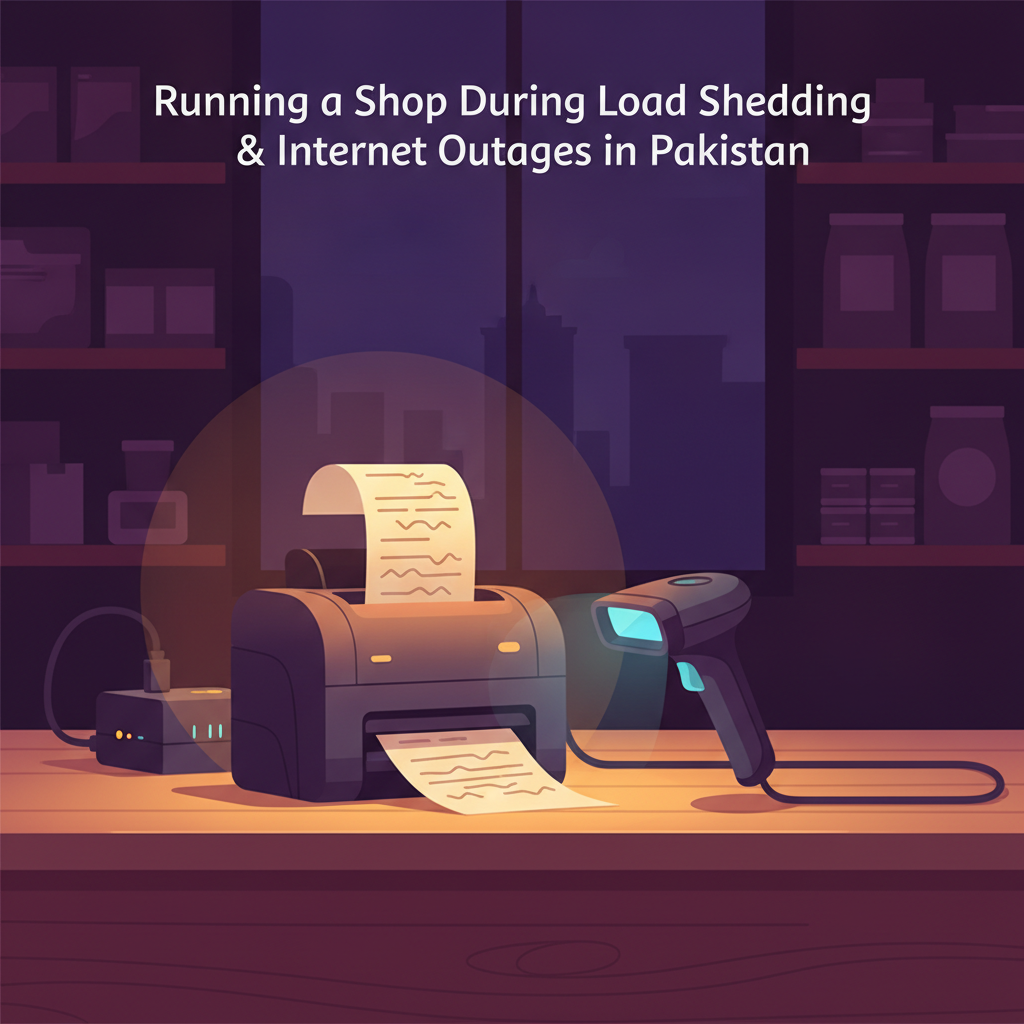
It is 8:15 PM on a humid Thursday evening. Your counter is crowded with customers carrying daily groceries, garments, or hardware supplies. Suddenly, the main market feeder trips, plunging the street into darkness, or your broadband router blinks a solid amber light. In a matter of seconds, your checkout queue comes to an abrupt halt.
For small and medium retailers across Pakistan, this scene is all too familiar. Between unscheduled load shedding and erratic broadband connectivity, infrastructure disruptions are an everyday reality. When the register freezes, cashiers scramble for paper pads, manual pricing errors creep in, customer lines spill out onto the pavement, and end-of-day accounts turn into an unmanageable mess. Running a resilient retail business in Pakistan means designing your counter operations so that power cuts and lost internet connections never bring your sales to a standstill.
The True Cost of Counter Downtime in Pakistani Retail
Electricity supply deficits frequently hit the national grid, with recent reports indicating seasonal shortfalls surpassing 4,000 megawatts, prompting distribution companies (DISCOs) to run feeder-based load shedding across urban and commercial corridors. Paired with routine fiber cuts and cellular internet slowdowns, relying on an uninterrupted connection is simply not realistic.
When an unexpected outage disables your sales counter, the damage goes far deeper than a momentary inconvenience:
- Lost impulse sales and counter walkouts: Modern shoppers value fast service. If a billing screen freezes for more than three minutes, shoppers holding items often abandon their baskets and walk to the next open shop down the road.
- Stock shrinkage and blind spots: Writing sales on scrap paper or keeping mental tallies during an outage creates an inventory black hole. Items leave the shelves without being subtracted from stock ledgers, leading to phantom stockouts and untracked theft.
- Late-night reconciliation headaches: Manually transcribing dozens of paper slips into a digital ledger at midnight is exhausting and prone to calculation mistakes, leaving your physical drawer cash mismatched with your daily sales report.
Low-Watt Hardware: Keeping Your Billing Counter Powered
You do not need an industrial generator running on expensive fuel to keep a retail checkout operational. The key is separating your counter's computing equipment from heavy power loads like air conditioning and decorative display lights.
1. Switch to Low-Draw Computing Terminals
Traditional desktop computer towers with heavy power supply units can drain an inverter or UPS battery within 45 to 60 minutes. Modern retail setups operate far more efficiently on low-draw hardware, such as a laptop with an intact battery or a compact mini-PC powered by an energy-efficient 12-volt DC supply. A laptop automatically functions as its own uninterruptible power supply, giving you three to four hours of checkout operations on battery reserve alone.
2. Invest in a Dedicated Mini-UPS for Routers
Broadband modems and optical network terminals (ONTs) require very little power, yet when the mains power cuts out, the Wi-Fi drops immediately. A dedicated 12V mini-UPS (commonly available in local electronics markets like Hall Road in Lahore or Saddar in Karachi) keeps your internet router running for up to six hours during routine outages, bridging the gap until the grid returns.
3. Use Energy-Efficient Thermal Receipt Printers
Standard office laser printers draw high wattage and will quickly trip small backup inverters. In contrast, 58mm and 80mm thermal receipt printers draw minimal electricity. Keeping a compatible thermal printer connected to your backup line ensures you can hand printed receipts to customers without interruptions.
The Offline-First Principle: Billing Without an Internet Connection
Many shopkeepers assume that using modern software requires a 24/7 high-speed fiber connection. That assumption is dangerous for a Pakistani business. A purely online, browser-dependent tool that stops functioning the moment internet connectivity drops will inevitably fail you during peak evening shopping hours.
Your shop needs an offline-first operating model:
- Local data caching: Your product catalog, barcode numbers, prices, and stock counts should live locally on the device at your counter. When a cashier scans an item, the system looks up the product locally, creates the bill, and computes the total in milliseconds—even if the router cable is unplugged.
- Background sync queues: Every sale completed while offline should be saved to an encrypted local database. The moment your internet connection restores—whether via broadband or a mobile hotspot—the software should quietly sync those sales to the cloud without freezing the cashier's active screen.
- Dual-channel flexibility: Keep a smartphone with an active data package near the counter. If your primary landline internet faces an extended outage, tethering the terminal to your mobile phone for just sixty seconds is enough to sync inventory across branches.
Barcode Hygiene and Fast-Moving Inventory Controls
When the lights go dim or power switches to backup, checkout speed depends heavily on how clean your barcode system is. Searching for products by typing their Urdu or English names on a keyboard slows down queues and increases typing errors.
Pre-Stickering Loose and Fast-Moving Items
For grocery stores, bakeries, and general merchants selling repackaged dry goods (such as pulses, dry fruits, or spices), print and affix standard barcodes ahead of time during quiet morning hours. Never make cashiers manually look up bulk SKU codes during the evening rush.
Setting Realistic Reorder Points Amid Supply Volatility
Operating a shop smoothly requires knowing exactly when to reorder stock before your shelves run empty. Use a simple, practical formula for your fast-moving items:
Reorder Point (ROP) = (Average Daily Sales × Supplier Lead Time in Days) + Safety Buffer Stock
In Pakistan, wholesale deliveries often face transport delays or fuel-related delivery schedule shifts. If you sell 20 units of cooking oil per day and your distributor takes 3 days to deliver stock, your base lead time demand is 60 units. By keeping a safety buffer of 20 additional units, your reorder trigger should be set at 80 units. The moment your stock dips to 80, placing your wholesale order immediately prevents stockouts.
The 5-Step Outage-Ready Store Closing Checklist
Closing your shop at night when parts of the day were spent offline requires a disciplined routine. Use this checklist every night before pulling down the shutters:
- Check offline sync status: Verify that all bills generated during offline periods have uploaded to your central ledger. Ensure no pending transactions remain stuck in the local queue.
- Perform a blind cash drawer count: Have the cashier count physical cash in the till without looking at the daily system sales summary first. Compare the physical count against the software's calculated cash balance to catch any unbilled sales or incorrect change given.
- Reconcile digital and credit (khata) records: Match mobile wallet, debit card, and customer khata entries against their respective transaction slips. Document any credit extended during the shift before staff members leave.
- Audit high-theft or fast-moving shelf items: Run a rapid spot-check on five randomly selected high-value products (such as baby milk formula, premium ghee, or imported cosmetics) by comparing the physical shelf count with the system's recorded stock.
- Trigger a cloud backup: Once your evening connectivity stabilizes, confirm that your day's sales, expense records, and stock changes have backed up securely to the cloud.
How CPOS Keeps Pakistani Shops Running Without Interruptions
Building an operations-focused workflow shouldn't require complex IT setups or expensive equipment. CPOS is built specifically for businesses in Pakistan, combining the convenience of cloud reporting with the reliability needed during daily local outages.
Here is how CPOS supports your counter operations:
- Hybrid Online and Offline Modes: CPOS allows cashiers to continue smart billing without an active internet connection. Transactions are stored locally on your device, receipts print smoothly on supported thermal printers, and the software automatically syncs all records once your connection returns.
- Barcode Scanning and Instant Billing: Scan manufacturer barcodes or custom stickers instantly to eliminate manual pricing errors and keep counter queues moving fast during evening rushes.
- Real-Time Inventory and Low-Stock Alerts: Keep track of items across your shelves in real time. CPOS notifies you when stock approaches minimum reorder levels so you never lose revenue to unexpected stockouts.
- Mobile App with Team Monitoring: Check daily sales, review expense reports, and monitor counter activity directly from your phone, even when you are away from the shop.
- Transparent Plans for Growing Stores: Start with the free Starter plan (supporting up to 100 sales per day, 1,000 SKUs, 1 branch, and 1 desktop plus 1 web user). For growing stores needing larger SKU capacities and watermark-free receipts, the Basic plan is available at Rs 1,850 per month, while the Standard plan offers unlimited SKUs and multi-desktop access for Rs 3,900 per month. Paid plans include a 14-day free trial, with a 10% saving on yearly billing.
Downtime Is Optional
Power cuts and broadband interruptions are an unavoidable reality of doing business in Pakistan, but losing revenue and customer trust because of them is entirely preventable. By equipping your counter with low-wattage hardware, standardizing barcode practices, and adopting software that operates seamlessly offline, your shop can remain productive and profitable through any outage.
Take control of your daily store operations and keep your checkout line moving without interruption. Set up your counter in minutes and start with CPOS free today.