6 POS Reports Every Shop Owner Should Check Daily in Pakistan
Stop guessing your end-of-day numbers. Here are the six essential daily POS reports Pakistani retailers must review to plug cash leaks and protect margins.
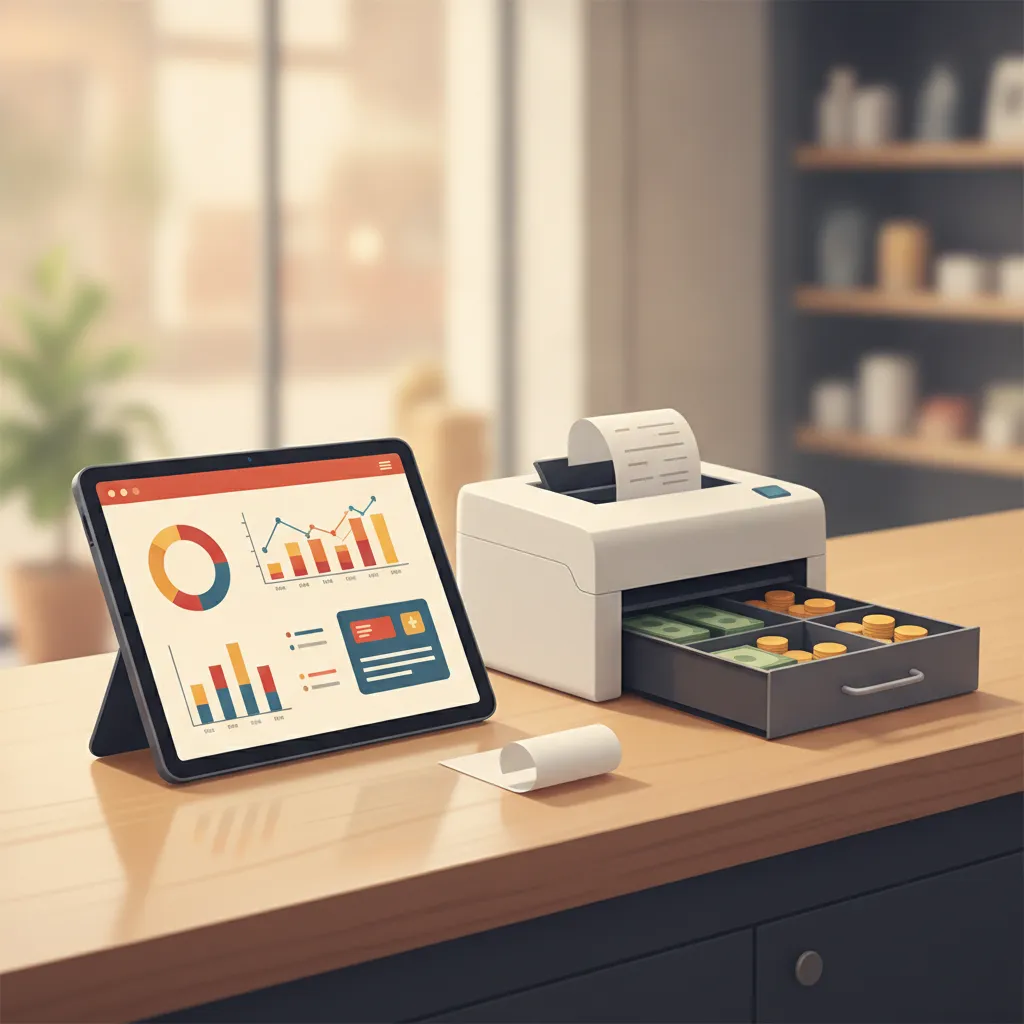
It is 10:30 PM. The shutters are pulled halfway down, the market noise outside is finally fading, and your staff is counting stacks of cash on the counter. Total sales look decent on the counter display, but as you bundle the notes, an uneasy question lingers: did the shop actually make money today, or did revenue merely wash through the register to pay for stock, petty cash, and distributor bills?
For thousands of retail stores, grocery shops, and pharmacies across Pakistan, the point-of-sale terminal is treated simply as a digital bill maker. Cashiers scan barcodes, hand over printed slips, and drop cash into the drawer. Yet your POS software quietly captures every discount given, every price override, every stock reduction, and every margin shift throughout the business day. Leaving that data unread until the end of the month means spotting cash shortages and margin leaks weeks after the damage is done.
Reviewing your numbers does not require hours with a calculator. Spending just ten to fifteen minutes every evening reviewing six core reports transforms your POS from a simple billing machine into your store's most reliable operational compass.
Why Nightly Store Audits Matter More Than Monthly Reviews
In a retail environment shaped by fast-moving wholesale prices and tight consumer budgets, relying on monthly accounting reviews is dangerous. A cashier applying unauthorized discounts on high-ticket goods can drain thousands of rupees in margin over thirty days before anyone notices. Similarly, if your fastest-selling product sells out on a busy Tuesday afternoon and distributor orders only go out once a week, you lose days of easy turnover.
Daily POS auditing provides three immediate advantages:
- Immediate shrinkage detection: You catch physical till mismatches and canceled receipts on the same shift they occur, while staff memories are fresh.
- Proactive inventory reordering: You spot depleted stock levels before evening rush hours clean out your shelves completely.
- True margin visibility: You see whether today's turnover came from high-margin impulse items or razor-thin staples that barely covered operating expenses.
6 POS Reports Every Shop Owner Should Check Daily
Here are the six essential reports you should pull, analyze, and file every single night before closing your shop doors.
1. Daily Sales Summary & Till Reconciliation Report
The daily sales summary is your store's heartbeat. It gives you the high-level picture of total gross sales, net sales, tax collection (if applicable), customer count, and average basket value. More importantly, it features the shift closing or till reconciliation breakdown.
At the end of each shift, your POS calculates expected cash based on starting float plus cash transactions minus recorded cash payouts. When you count physical cash in the till, the counted figure must match the system's expected balance. Discrepancies of even a few hundred rupees every evening add up to significant losses over a fiscal quarter. Looking at this report daily helps you isolate whether discrepancies happen during peak evening footfall or during quieter morning shifts.
2. Product-Wise Gross Profit & Margin Report
High sales volume does not guarantee high net profit. A mobile accessories shop might ring up Rs 80,000 in revenue in a day, but if Rs 65,000 of that came from selling branded smartphones at a 2% margin, the store barely generated enough gross profit to cover electricity and staff tea.
The product-wise profit report breaks down your gross margin by SKU. It ranks items not just by quantity sold, but by net profit earned. Checking this report daily reveals which items are genuinely paying your shop's overheads. It also flags items where wholesale supplier price increases have eaten away your profit margin before you updated the retail shelf price.
3. Low-Stock & Reorder Alert Report
Stockouts cost Pakistani retailers twice: first through the immediate lost sale, and second when a frustrated customer walks into a competitor's shop down the road. Running a low-stock report each evening lets you generate your purchase orders for wholesale distributors before morning delivery runs begin.
A capable POS report flags products that have reached or breached their predefined minimum reorder thresholds. By checking this every night, pharmacy owners can immediately reorder critical antibiotics or baby formulas, and grocery owners can restock cooking oils, lentils, and dairy before shelves sit empty during morning school and breakfast runs.
4. Daily Expense & Petty Cash Outflow Report
In typical Pakistani retail operations, the cash drawer is treated as a shared petty cash box. Throughout the day, money leaves the till for unrecorded items: backup generator fuel, staff lunch, delivery rider petrol, tea rounds for visiting distributors, and emergency packaging materials. If these expenses are taken straight from cash receipts without digital logging, your profit calculations become fiction.
The daily expense report aggregates every logged cash outflow, showing who authorized the withdrawal and the reason recorded. Reviewing this nightly ensures that operating expenses stay within reasonable bounds and that staff remember to request receipts for every rupee withdrawn from the drawer.
5. Voids, Cancellations, and Discount Audit Report
Internal shrinkage rarely looks like an overt break-in. More often, it happens quietly at the billing counter through voided transactions, deleted bill items after a customer walks away with goods, or repeated discretionary discounts given to friends and family.
The void and cancellation report lists every transaction that was altered or cleared after being rung up, along with the cashier ID and timestamp. If a cashier has five times more canceled invoices than their peers on the same shift, it demands immediate attention. Auditing discounts daily also ensures staff are adhering strictly to your store's promotional limits rather than cutting into your bottom line.
6. Payment Method & Receivables (Khata) Movement Report
Retail transactions are increasingly split across multiple channels: physical cash, Raast transfers, debit cards, mobile wallet QR codes, and traditional customer credit (khata). Your daily payment method report itemizes where your daily revenue is currently sitting.
Reviewing this report accomplishes two critical tasks:
- It allows you to cross-verify electronic terminal settlement slips and digital wallet app notifications against the POS totals before bank clearing cycles close.
- It tracks new credit extended to regular customers versus credit recovered today. If your daily khata additions continuously outpace cash collections, your working capital will quickly dry up, leaving you unable to pay wholesale vendors.
The 10-Minute Nightly Closing Routine
To make reporting consistent and stress-free, integrate these reports into a standardized evening checklist before locking the shop:
- Step 1 (Cashiers freeze billing): Close active registers and run the till reconciliation report. Count physical cash separately before checking the POS total.
- Step 2 (Audit exceptions): Open the void and discount report. Spend two minutes scanning for unusual bill deletions or large manual discounts.
- Step 3 (Reconcile expenses): Match logged petty cash vouchers against the physical receipts in the expense envelope.
- Step 4 (Check reorder needs): Pull the low-stock report and export or share the distributor purchase list directly to your procurement notes.
- Step 5 (Review margin health): Glance at the profit by product summary to see your top three margin drivers for the day.
- Step 6 (Lock down data): Ensure all registers have synchronized local offline transactions to the cloud and log out.
How CPOS Simplifies Daily Store Reporting
Pulling reports should not feel like an accounting exam. CPOS provides a modern point-of-sale system built specifically for Pakistani retail, grocery, medical, mobile, hardware, garment, and bakery businesses, putting critical metrics at your fingertips without complicated spreadsheets.
With CPOS, shop owners gain access to clear reports and analytics covering daily sales, gross profits, and categorized expenses. Real-time inventory tracking monitors every barcode scan, triggering automatic low-stock alerts so you know exactly what to reorder before supplies run out. Role-based user permissions keep cashiers focused on smart billing while protecting your sensitive profit margins, voids, and financial logs behind secure administrative logins.
Because retail in Pakistan faces frequent internet disruptions, CPOS operates with full offline capabilities, letting your cashiers continue scanning barcodes and printing customer receipts on supported thermal printers. When the connection returns, sales and stock movements automatically synchronize to the cloud. Best of all, store owners on the go can monitor daily sales totals and receive low-stock alerts right from the CPOS mobile app, keeping you in complete control whether you are on the retail floor, visiting wholesale markets, or managing operations from home.
Make Data-Driven Retail Your Daily Habit
A busy retail shop without daily reporting is like driving on the highway at night with the headlights off: you may feel the speed, but you have no idea when an obstacle will force a sudden halt. Your POS software already records the answers your business needs to survive and scale.
By dedicating ten minutes every evening to inspect daily sales reconciliation, product margins, reorder thresholds, petty cash, transaction voids, and payment channels, you take command of your store's cash flow. You stop guessing where your profits went and start running a tighter, more profitable enterprise.
Looking to take control of your daily store analytics without heavy upfront costs? You can start with CPOS free today on our Starter plan—offering up to 100 sales per day and 1,000 SKUs—and experience clean, reliable reporting built for Pakistani retail.
===CONTENT===