Free POS vs Paid POS in Pakistan: Hidden Costs and Real ROI
Discover what free POS software can realistically do for Pakistani retail counters, uncover hidden operational costs, and calculate real ROI before upgrading.
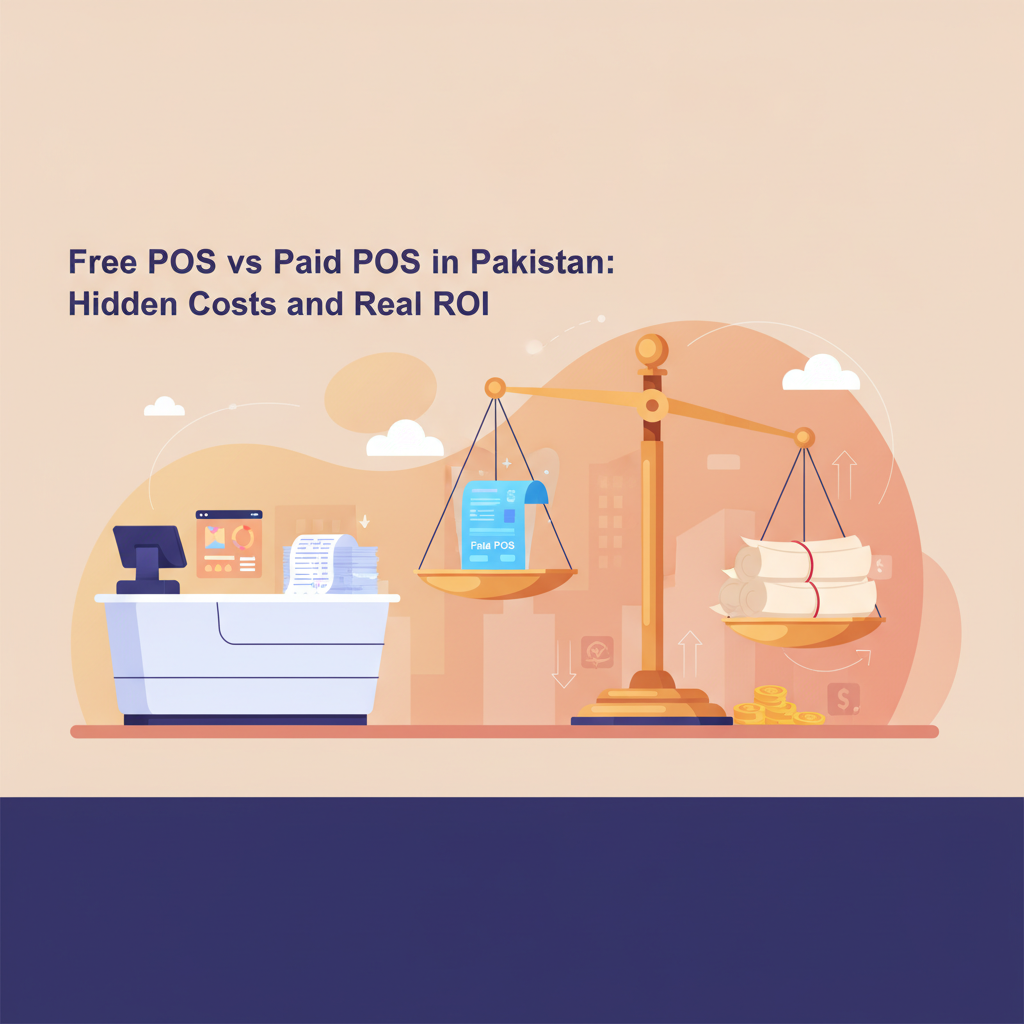
Walk into commercial retail hubs across Karachi, Lahore, or Rawalpindi, and you will notice a familiar divide at the checkout counter. One group of shopkeepers still relies on thick paper registers, hand-written slips, and mental arithmetic because vendor quotations for commercial billing software run into tens of thousands of rupees upfront. Another group rushed to download a supposedly “100% free forever” billing tool off the internet, only to discover weeks later that basic features like exporting monthly summaries or printing receipts were blocked behind steep paywalls.
For an independent retailer in Pakistan balancing tight margins, utility bills, and fluctuating wholesale prices, every single rupee committed to operational tools must pay for itself. Software should not be an unpredictable expense or an empty marketing gimmick. To determine whether your store can thrive on a free tier or genuinely needs a paid subscription, you need to understand what free software actually delivers, identify hidden overheads, and calculate your genuine return on investment (ROI).
What Free POS Software Can (and Cannot) Do for Your Shop
Zero-cost software serves an essential role in retail digitisation, particularly for early-stage shops, neighbourhood kiosks, and sole proprietors moving away from manual registers for the very first time. However, judging whether a free tier matches your business requires knowing where its natural boundaries lie.
What a Good Free POS Delivers
A well-engineered free tier provides the baseline operational tools necessary to run a single checkout counter smoothly:
- Fast Digital Checkout: Scanning barcodes, generating itemised customer receipts, and eliminating manual price entry errors.
- Core Stock Tracking: Deducting inventory counts automatically with every sale so you no longer rely on end-of-week manual tallies.
- Daily Revenue Clarity: Summarising daily cash inflows, total transaction counts, and baseline sales numbers at closing time.
- Customer Records: Storing customer contact information and basic purchase histories to build repeat patronage.
Where Free Tiers Draw the Line
Software providers incur ongoing costs for cloud servers, database backups, and customer support. Consequently, honest free tiers must enforce operational ceilings rather than pretending resources are infinite:
- Transaction and SKU Limits: Free plans typically restrict the catalog size (such as capping inventory at 1,000 product SKUs) and limit daily transactions (such as 100 sales per day). For a boutique or small electronics kiosk, 100 receipts a day is generous; for a busy supermarket or high-footfall bakery, that ceiling is breached before lunchtime.
- User and Device Access: Free tiers generally accommodate a single billing terminal or single web login, making them unsuitable for shops operating parallel checkout queues.
- Receipt Branding: Software companies often apply a small watermark or branding note on printed thermal slips in exchange for providing the software at zero cost.
- Branch Expansion: Free tiers are built for single-location shops; synchronising stock movements between multiple branches or off-site warehouses requires higher-tier infrastructure.
The Hidden Costs Behind POS Software in Pakistan
When shop owners calculate the cost of digitising their counter, they frequently make the mistake of looking only at the software license. Software is simply the operating brain; running it inside a physical Pakistani retail environment involves physical hardware, utilities, and workflow considerations.
1. Counter Hardware and Peripherals
Whether your software is free or premium, your counter requires physical equipment to function efficiently. Sourcing basic retail hardware in local electronics markets involves predictable capital expenses:
- Barcode Scanner: A handheld USB 1D/2D barcode scanner ranges from Rs 3,000 to Rs 8,000 depending on durability and scan speed.
- Thermal Receipt Printer: Standard 58mm or 80mm thermal receipt printers generally run between Rs 12,000 and Rs 25,000 in Pakistan. Thermal printers do not require costly ink cartridges, but they do require continuous boxes of thermal paper rolls.
- Computer or Tablet Terminal: You do not need an industrial touch-screen terminal. A reliable refurbished desktop PC or laptop costing Rs 20,000 to Rs 35,000 is usually more than enough to drive counter billing.
2. Power Resilience and Internet Backup
Pakistani retail runs through scheduled load-shedding and unexpected internet disruptions. A system that crashes the moment local broadband drops can halt your counter during peak evening footfall. Protecting your setup requires a modest Uninterruptible Power Supply (UPS) or inverter connection to protect your terminal from sudden surges, alongside POS software that includes a reliable offline billing mode so receipts keep printing uninterrupted even during extended network drops.
3. Data Lock-in and Hidden Exit Fees
The most dangerous “hidden cost” comes from opaque platforms that allow you to enter inventory data for free, but demand exorbitant fees when you try to export customer accounts, download item lists, or print financial records. Transparent software makes its plan limitations clear on day one, allowing you to export your store data freely without artificial barriers.
How to Calculate Your POS Return on Investment (ROI)
A POS system should never be treated as an administrative overhead. When evaluated properly, reliable billing and stock control generate quantifiable monthly returns by preventing revenue leakage and speeding up daily operations.
To calculate whether upgrading to an affordable paid tier makes economic sense, evaluate these three tangible retail metrics:
Metric 1: Recovered Staff Time and Checkout Speed
Writing a paper bill, searching manually for item prices, and calculating change by hand takes an average of 60 to 90 seconds per customer. With barcode scanning and instant automated invoice generation, that duration drops to under 20 seconds. During peak shopping hours (such as 7:00 PM to 10:00 PM), faster checkout directly reduces abandoned queues and enables your staff to serve 15 to 30 additional customers each evening without adding extra personnel.
Metric 2: Elimination of Stock Shrinkage and Shelf Deadlocks
Without automated stock tracking, retail stores in Pakistan routinely suffer from two silent margin killers: untracked inventory shrinkage (misplaced or unaccounted items) and capital locked in expired or slow-moving stock. If automated real-time inventory tracking and low-stock alerts save your store just Rs 5,000 per month in prevented spoilage and unrecorded stock losses, the tool pays for itself multiple times over.
Metric 3: Pricing and Billing Accuracy
In stores carrying thousands of small items—such as hardware stores, mini-marts, or cosmetics shops—staff frequently under-charge for goods whose wholesale replacement prices increased earlier in the week. By maintaining an accurate, updated digital product catalog, your counter always bills at the correct margin, protecting your profitability on every checkout.
Simple Retail ROI Formula:
Monthly Net Return = (Monthly Stock Loss Prevented + Profit from Faster Queue Capacity) - Monthly POS Subscription Cost
If a paid system costing Rs 1,850 or Rs 3,900 per month prevents Rs 8,000 in missed stock billing and helps your counter comfortably manage peak rushes, your business achieves a decisive positive return within the very first thirty days.
When to Stay on Free vs. When to Upgrade: A Practical Checklist
Not every shopkeeper needs a paid software package immediately. Use the following four-point evaluation to determine which category fits your counter right now:
-
Assess Your Daily Transaction Volume:
If your retail store processes between 30 and 70 customer transactions a day (common for mobile repair kiosks, high-ticket electronics shops, or niche specialty stores), an honest free tier handling up to 100 sales per day accommodates your daily demand comfortably. If your counter consistently exceeds 100 customer receipts daily, upgrading is required to prevent checkout freezes during business hours. -
Review Your Product Catalog (SKU Count):
If your inventory spans fewer than 1,000 unique product items, you can comfortably manage catalog tracking on a starter plan. However, if you manage a comprehensive mini-mart, garments store with multiple sizes and colours, or a pharmacy with several thousand distinct medicine brands, upgrading to a plan supporting 3,000 or unlimited SKUs is necessary. -
Examine Counter Receipts and Store Branding:
Smaller community shops often do not mind a software watermark printed at the footer of thermal customer receipts. But if you run an established retail boutique or expanding brand where professional customer perception is paramount, moving to a tier that provides unbranded, clean receipt layouts is a logical step. -
Account for Billing Counters and User Roles:
A single owner-operator managing one cash drawer functions well with single-user desktop and web access. Once you introduce multiple shift cashiers, a store supervisor, or a secondary counter to handle peak queues, your business requires granular user roles, multi-user permissions, and additional terminal support to maintain cash drawer accountability.
How CPOS Helps Pakistani Retailers Scale Cost-Effectively
At CPOS (https://cpos.pk), our platform is specifically designed as free POS software for small businesses in Pakistan, pairing predictable software tiers with local operational flexibility.
Whether you operate a grocery store, retail garments shop, hardware store, medical store, bakery, or mobile shop tracking IMEI numbers and accessories, CPOS ensures your operations stay streamlined without locking you into predatory long-term contracts:
- A Truly Functional Free Starter Tier: The CPOS Starter plan is completely free. It provides smart billing with barcode scanning, instant invoices, real-time inventory tracking, and low-stock alerts for up to 1,000 product SKUs and up to 100 sales per day on 1 desktop and 1 web user (with a CPOS watermark on prints). It gives new businesses an immediate, guided quick setup in minutes without spending a single rupee on software.
- Reliable Offline Billing Resilience: Power cuts and internet drops should never stop business. CPOS features both an online cloud mode with real-time sync and automatic cloud backups, and an offline mode that lets you continue billing without internet. Data is securely stored locally and auto-synced once your connection returns, with seamless receipt printing on supported thermal printers.
- Clear, Affordable Upgrade Milestones: When your shop outgrows starter limits, scaling is predictable. The Basic plan is Rs 1,850 per month, expanding capacity up to 3,000 SKUs with unbranded prints. For higher volume operations, the Standard plan is Rs 3,900 per month, delivering unlimited SKUs and supporting 3 desktop users alongside 1 web user. For multi-store enterprises, Custom plans provide dedicated onboarding, priority support, and multi-store management from a unified dashboard.
- Risk-Free Evaluation: Paid plans include a 14-day free trial, annual billing offers a 10% saving, and a free demo is available so you can inspect reports, customer management tools, and staff permissions before committing.
Make an Informed Software Choice for Your Shop
Upgrading your retail counter should never be an emotional gamble or a blind expense. Begin by cataloguing your actual inventory size, measuring your daily customer footfall, and budgeting honestly for basic peripherals like scanners and thermal paper. If your operations fit neatly inside a starter footprint, take advantage of a capable free tier to digitise your sales records and inventory right away.
When customer queues grow and your product range expands beyond starter ceilings, upgrading to an affordable, transparently priced plan is not an extra cost—it is an investment that protects your store’s margins, automates reconciliation, and drives predictable retail growth.
Ready to modernise your checkout counter without financial risk? Take a few minutes to explore the setup and start with CPOS free today.