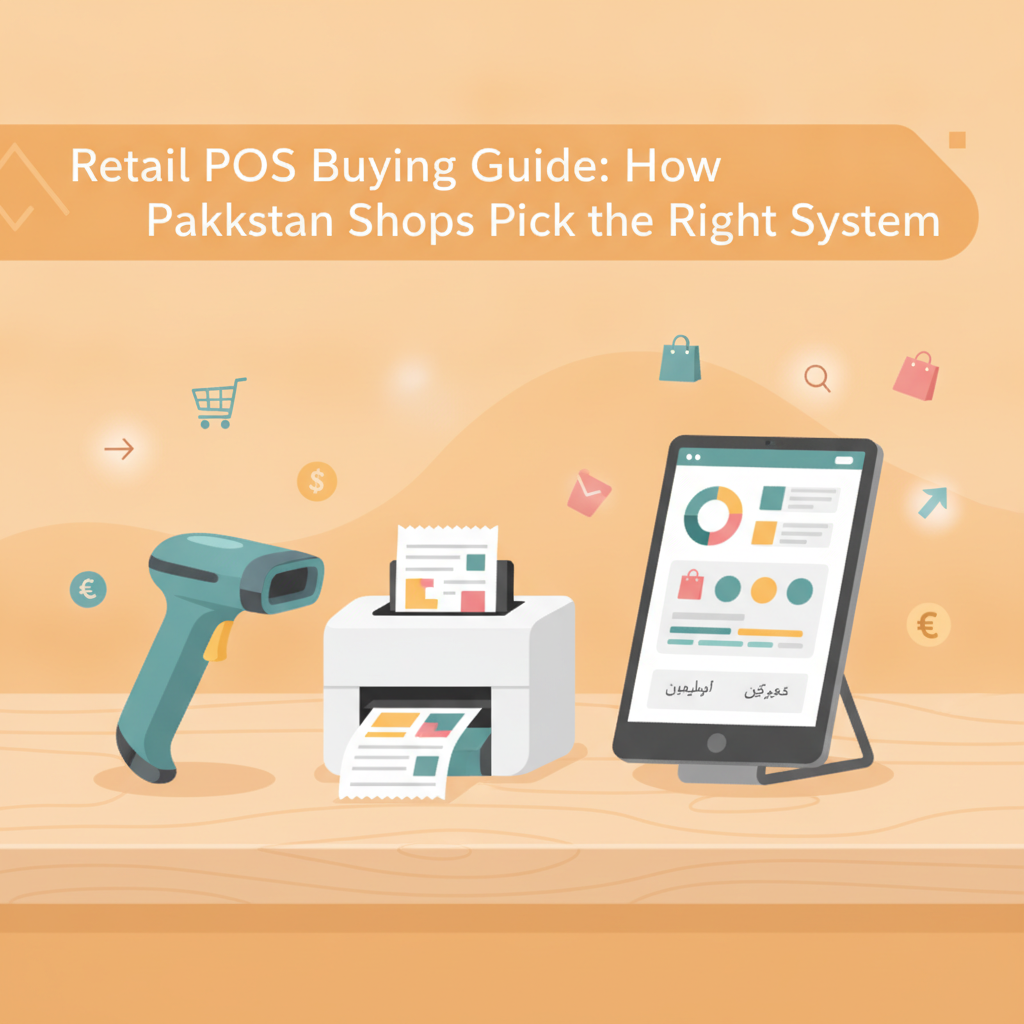
Retail POS Buying Guide: How Pakistani Shops Pick the Right System
A practical guide for Pakistani shop owners evaluating POS software, featuring an essential checklist, trial roadmap, and free vs paid comparison.
Running a retail store, grocery, or pharmacy in Pakistan used to rely entirely on a well-kept khatta register or a clunky spreadsheet. Today, rapid checkout lines and growing customer expectations have made manual record-keeping a recipe for stock discrepancies, slow lines, and lost revenue. According to State Bank data reported by Dawn, digital retail payment channels are expanding rapidly across the country, making reliable counter software essential for small merchants who want to keep pace with changing customer habits.
Yet choosing point-of-sale (POS) software often feels confusing. Shop owners encounter everything from legacy desktop packages demanding steep upfront licensing fees to foreign cloud tools billed in US dollars that freeze the second your internet cuts out. This guide breaks down how Pakistani retail owners can evaluate POS software, avoid expensive buying traps, and pick a system that protects cash flow and inventory from day one.
5 Costly Mistakes Pakistani Retailers Make When Choosing a POS
Before looking at feature lists, it pays to understand where shop owners lose money during software purchases. Avoiding these five common pitfalls will save your business weeks of frustration.
- Ignoring offline functionality: Load shedding and unstable broadband remain everyday realities in local commercial markets. If a POS system requires a 24/7 internet connection to ring up sales or print a receipt, a sudden connection drop will bring your checkout counter to a standstill.
- Committing to USD-denominated subscriptions: Overseas software may look polished online, but monthly subscription costs fluctuate with currency exchange rates. An affordable foreign tool can double in price over a year without adding any extra value to your counter.
- Getting locked into proprietary hardware bundles: Some software vendors require you to purchase their specific computers, proprietary touchscreens, or custom receipt printers at inflated prices. Flexible software should work with standard desktop computers, laptops, and widely available thermal receipt printers.
- Overlooking granular staff permissions: Inventory shrinkage and unrecorded manual discounts often happen when cashiers have full administrative access. Your system must separate daily billing duties from managerial tasks like viewing cost margins, editing inventory quantities, or deleting past invoices.
- Buying without a real shop-floor trial: Testing software on a clean demo screen is very different from ringing up dozens of items during evening rush hours. Never buy a license without running practical items through barcode scanners and thermal printers first.
The Essential POS Features Checklist for Local Retailers
Not every business needs complicated enterprise features. However, every grocery store, medical store, garments boutique, or hardware shop needs a dependable operational core. Use this checklist when vetting any POS solution:
-
Smart Barcode Billing & Instant Invoicing:
The checkout interface must be simple enough for a counter assistant to master in a single afternoon. Barcode scanning should immediately pull up pricing and variant details, calculate change, and print clear receipts on 58mm or 80mm thermal paper without lag.
-
Reliable Offline Mode with Automatic Cloud Sync:
Your registers must keep processing sales even if your Wi-Fi router powers down or your mobile hotspot disconnects. Once internet access is restored, the software should automatically synchronize local counter transactions to the cloud without manual file transfers.
-
Real-Time Stock Tracking & Low-Stock Alerts:
Selling out of your fastest-moving items directly hurts daily profits. A capable POS automatically deducts inventory as items are scanned and highlights low-stock thresholds so you can reorder before shelves run dry.
-
Customer & Supplier Management:
Pakistani retail relies heavily on supplier credit terms and loyal neighborhood customers. Your software should track supplier purchase histories and maintain customer profiles to review past purchases easily.
-
Multi-Device Access & Owner Visibility:
Business owners cannot always sit behind the counter. Having mobile app access or web dashboard visibility allows you to monitor daily sales totals, gross profit, and operating expenses whether you are at the wholesale market or at home.
Free vs. Paid POS Software: Which Option Fits Your Shop?
One of the first decisions you will face is whether to start with a free POS plan or invest in a paid subscription. Both options serve specific business stages.
When a Free POS Makes Sense
If you are opening a new boutique, a neighborhood bakery, or a single-counter retail outlet with a focused catalog, a free tier is ideal. Free plans eliminate upfront capital risk while you establish standard operating procedures. Look for a free tier that gives you full core billing, basic inventory tracking, and receipt printing without forcing you to hand over credit card details. This allows you to digitize your counter immediately without adding overhead costs during your crucial first months.
When to Upgrade to a Paid Plan
As your store matures, your data requirements expand. You should upgrade to a paid tier when:
- Your inventory grows beyond 1,000 product SKUs (standard for well-stocked supermarkets and pharmacies).
- Your daily checkout volume exceeds 100 sales per day, requiring continuous high-speed counter processing.
- You require multiple simultaneous cashiers or desktop terminals running across the shop floor.
- You want clean, unbranded receipts without third-party promotional watermarks.
6 Questions to Ask a Software Vendor Before Buying
"Software that looks impressive during a sales presentation can quickly become a bottleneck if it cannot survive a typical power outage or rush-hour line."
Before transferring any funds or signing up for software, ask these straightforward questions:
- "Can my cashier keep billing if the internet disconnects right now?" Insist on seeing how local storage and offline transaction buffering work.
- "Which thermal printers and barcode scanners are supported?" Verify compatibility with standard ESC/POS USB or network thermal printers.
- "Are software updates and automated data backups included in this price?" Avoid vendors who charge unexpected maintenance or database hosting fees later.
- "Can I set strict access roles for my staff?" Ensure cashiers cannot alter historical records, delete sales, or inspect back-end supplier costs.
- "How difficult is it to migrate or export my product list?" Your product catalog belongs to you; you should be able to import and export your inventory via standard spreadsheet formats.
- "Do you offer an active trial period or a guided setup?" A trustworthy provider will allow you to explore the software with your own product list before locking you into a long-term plan.
How to Trial a POS: The 7-Day Shop Floor Test
Never implement a new system on a busy weekend without preparation. Instead, run a structured seven-day trial during your regular operating hours:
- Days 1–2 (Catalog Setup): Enter 20 to 30 diverse items from your shelves, including packaged goods with manufacturer barcodes and non-barcoded items. Test barcode scanner responsiveness.
- Day 3 (Hardware & Receipt Testing): Connect your receipt printer. Print invoices, check alignment, ensure pricing and store contact details are clear, and test paper cutter triggers.
- Day 4 (The Offline Drill): Manually disconnect your store's internet connection. Ring up several test sales, print thermal receipts, and then reconnect the internet to confirm that records synchronize accurately to the central dashboard.
- Day 5 (Permission Testing): Create a separate cashier profile. Log in as staff and verify that cost prices, margins, and management settings are completely hidden.
- Days 6–7 (Report Reconciliation): Review daily summary reports. Check whether the recorded cash totals, profit metrics, and stock deductions match the actual stock moved on your counter.
How CPOS Helps Pakistani Retailers
CPOS is designed specifically to solve these day-to-day retail hurdles for small and growing businesses in Pakistan, including retail shops, grocery stores, pharmacies, garments shops, and mobile stores.
The system features smart billing with instant barcode scanning alongside robust offline functionality. If your shop's internet goes down, you can continue billing customers and printing receipts on supported thermal printers without disruption; all data is stored locally and syncs automatically with secure cloud backups once connectivity returns. Store managers can track inventory in real time with low-stock alerts, manage supplier and customer histories, and enforce strict user permissions so staff handle checkouts securely.
For store owners on the move, the CPOS mobile app provides real-time sales visibility, low-stock notifications, and team monitoring from any location. Starting is simple through a guided setup that takes minutes. New businesses can begin on the completely free Starter plan, which supports up to 100 sales per day, up to 1,000 SKUs, 1 warehouse or branch, and 1 desktop plus 1 web user (with a CPOS watermark). As your business expands, you can move smoothly to the Basic plan at Rs 1,850 per month (up to 3,000 SKUs, no watermark) or the Standard plan at Rs 3,900 per month (unlimited SKUs, 3 desktop users), both featuring a 14-day free trial, a 10% discount on yearly billing, and access to a free demo.
Make the Right Choice for Your Store's Future
A point-of-sale system is the operational backbone of your shop. The best choice is not the one with the flashiest marketing, but the one that keeps your counter running quickly during power fluctuations, prevents stock loss, and gives you clear control over your daily profits. Take the time to test your options using real inventory, involve your cashiers in the trial, and choose software built for the realities of local retail.
Ready to upgrade your counter with zero financial risk? Explore the features firsthand and start with CPOS free today.
===CONTENT===