Testing POS Software: A 7-Day Evaluation Guide for Pakistani Shops
Avoid expensive software traps with this practical POS evaluation guide for Pakistani shop owners, complete with a feature checklist, vendor questions, and a 7-day trial plan.
Every month, dozens of retail shop owners across Pakistan abandon newly purchased point-of-sale software and slip back into paper registers or messy spreadsheets. It rarely happens because the shopkeeper lacks technical skill; it happens because the software failed basic counter realities. A system that looks sleek in a vendor demo can crumble the moment a 4G connection falters, a customer demands a quick Urdu receipt, or an assistant clerk accidentally clicks an unauthorized discount button during an evening rush.
With headline inflation holding at 10.3% according to the Pakistan Bureau of Statistics, operational margins leave zero room for wasted technology investments. Whether you run a garments outlet in Lahore, a general store in Rawalpindi, or a mobile shop in Karachi, picking software should never be a leap of faith. This guide outlines the core mistakes to dodge, an indispensable feature checklist, the exact questions to ask vendors, and a practical 7-day testing blueprint before committing your hard-earned cash.
3 Costly Mistakes Pakistani Retailers Make When Choosing a POS
Investing in retail software without vetting operational fit can stall counter traffic and drain working capital. Before comparing pricing plans, protect your shop from these three frequent pitfalls:
- Buying Cloud-Only Software Without Local Offline Resilience: Internet reliability varies widely across commercial commercial hubs. If your POS platform runs entirely within a remote browser window without offline fallback, a sudden fiber cut or network outage brings checkout to a dead halt. Never adopt a system that cannot record cash sales and print thermal slips while completely disconnected.
- Paying Massive Upfront Software Charges: Legacy software vendors frequently demand Rs 40,000 to Rs 80,000 upfront for an on-premise license, often charging additional fees for annual maintenance or basic updates. If the interface proves cumbersome or lacks mobile visibility, your upfront capital is gone. Modern software should offer transparent subscription tiers or a functional free tier so you only invest as your counter scales.
- Overcomplicating the Checkout Interface: If ringing up a simple three-item cash sale takes ten clicks and opens three pop-up windows, your counter staff will inevitably bypass the system during peak shopping hours. Software must be intuitive enough that a newly hired clerk can learn billing, search items, and generate invoices in less than fifteen minutes.
The Pakistani Counter Checklist: Features You Actually Need
Feature lists on software websites can be overwhelming. Rather than paying for complex enterprise modules you will never touch, focus on these five non-negotiables designed for domestic retail operations:
1. True Offline Billing with Automatic Background Sync
Your point-of-sale must store transactions locally on your counter device when the internet drops. The moment your Wi-Fi or cellular backup restores, the software should silently sync inventory numbers and sales ledgers to the cloud without manual file exports or counter disruption.
2. Direct Thermal Receipt & Barcode Support
Ensure native compatibility with standard 58mm and 80mm ESC/POS thermal printers alongside standard USB and wireless barcode scanners. You should not have to purchase proprietary, vendor-locked hardware to print clear receipts or scan product tags.
3. Granular Inventory Tracking with Low-Stock Alerts
Tracking inventory by simple item name is insufficient. Your system must track products by unique SKUs (and specific parameters like IMEIs or warranty tracking if you handle mobile electronics). Automated low-stock alerts ensure you restock fast-moving consumer goods before shelves run bare.
4. Supplier Ledgers and Customer Khata History
Domestic retail thrives on relationships. A capable POS must maintain detailed supplier purchasing records alongside individual customer purchase histories. When regular patrons ask for statements or credit balances, you should be able to pull their complete profile in two seconds.
5. Strict Role-Based User Permissions
Protecting commercial privacy is essential. A sound system allows the owner to restrict sensitive screens—such as purchase costs, wholesale profit margins, and daily expense tallies—so that counter cashiers only see the billing window and return screens.
Free vs. Paid POS: Which Route Makes Financial Sense?
One of the most common dilemmas for retail merchants is deciding between a free plan and a paid tier. Understanding where each model excels saves both money and operational headaches:
A free POS is not necessarily an inferior POS; it is simply designed for focused, single-terminal operations with modest inventory catalogs.
When a Free POS Tier Is Ideal: If you are launching a new boutique, a neighborhood corner store, or a kiosk with fewer than 1,000 product SKUs and under 100 sales per day, a free tier is the smartest choice. It allows you to digitize cash flows, maintain inventory hygiene, and track daily sales without incurring recurring fixed overhead while building your initial customer base.
When to Upgrade to a Paid Tier: As your catalog expands past 3,000 items, or when transaction volume surges to multiple counters requiring separate staff logins, paid plans become an undeniable efficiency multiplier. Paid tiers typically remove system watermarks from receipts, support multiple counter terminals, and provide higher SKU thresholds alongside priority technical onboarding.
The 7-Day In-Shop Evaluation Plan
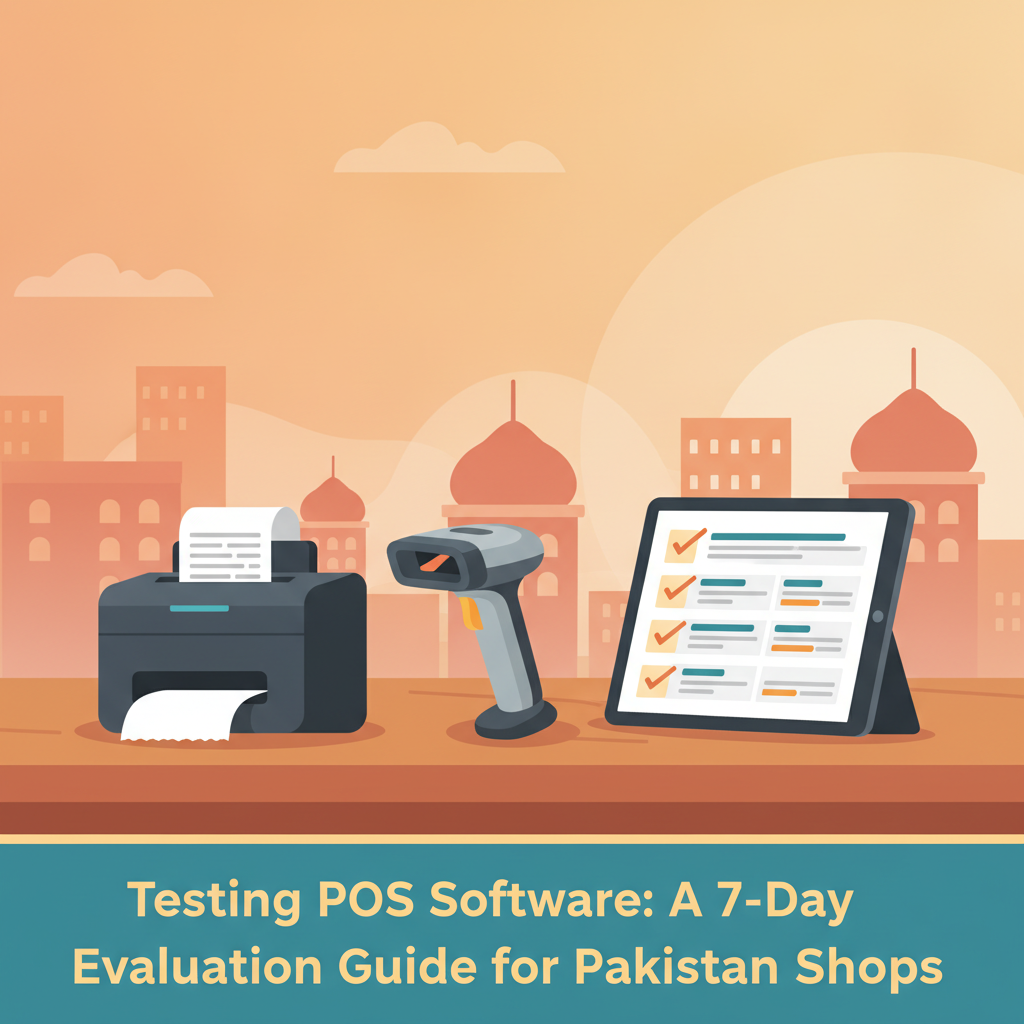
Never buy software based on a polished demonstration video. Insist on a free trial or use a functional free plan, and put the platform through this structured 7-day trial right at your sales desk:
- Day 1: Setup and Catalog Import. Upload 30 to 50 of your actual store products with real wholesale costs, sale prices, and barcodes. Test how fast you can add a brand-new item manually from the counter.
- Day 2: Hardware Connectivity. Plug in your existing thermal printer and barcode scanner. Verify that receipts format cleanly, barcode scans register instantaneously, and paper cuts trigger accurately.
- Day 3: The "Unplugged" Stress Test. Disconnect your shop's router and disable mobile hotspot tethering. Ring up five dummy sales, process a cash return, and print receipts. Reconnect the internet and confirm all data syncs cleanly without duplicate entries.
- Day 4: Staff Usability Run. Hand the billing screen to your shop helper or junior cashier with minimal instruction. Time how long it takes them to ring up mixed cash transactions, apply an item-level discount, and locate an item without a barcode.
- Day 5: Customer Khata & Supplier Inflow. Create a customer profile, record a partial payment, and review their ledger balance. Enter a sample stock delivery from a vendor to verify that shelf inventory counts update immediately.
- Day 6: Mobile Dashboard & Remote Access. Step away from the counter and inspect your shop's numbers using a smartphone. Can you monitor live daily turnover, track cashier activity, and receive low-stock notifications in real time?
- Day 7: End-of-Day Audit & Margin Reconciliation. Run the end-of-day sales, expense, and profit reports. Compare the calculated drawer balance against your physical drawer cash to ensure every rupee reconciles perfectly.
5 Direct Questions to Ask Any Software Provider
Before entering payment details or committing to a subscription, ask the vendor these five frank questions:
- "If our broadband goes down for four hours, does the counter stop working?" Any hesitation or requirement for constant connectivity should immediately eliminate that software from your shortlist.
- "Can I export my full inventory and customer contact list into Excel whenever I want?" Your business data belongs to you. Never lock your shop into a closed ecosystem that holds your sales history hostage.
- "Are there hidden costs for additional registers, backups, or mobile app access?" Clarify upfront what is included in the monthly subscription and what incurs an extra charge.
- "Can I restrict my counter assistants from seeing my product purchase prices and total shop profits?" A secure system must feature robust role-based permission settings.
- "How long does it take to get up and running?" Deployment should take minutes, not weeks of drawn-out technical implementation.
How CPOS Supports Pakistani Retailers
CPOS is designed specifically to meet the everyday operational demands of retail shops, medical stores, grocery outlets, restaurants, garments shops, bakery stores, hardware shops, and mobile retailers across Pakistan. With guided setup in minutes, you can streamline your counter without complicated installations or hefty upfront investments.
The platform delivers smooth smart billing with barcode scanning, instant receipt generation, and real-time inventory management with low-stock alerts. Built for local infrastructure realities, CPOS offers an online cloud mode with automatic cloud backups alongside an offline mode that allows you to continue billing, store transactions locally, and print on supported thermal printers even when the internet disconnects. Once connection returns, your figures auto-sync across your dashboard.
Whether you need mobile shop tracking (with IMEI, accessories, and warranty management), multi-store control, or encrypted role permissions to keep your margins private, CPOS adapts to your counter. Business owners can stay connected on the move with the CPOS mobile app to monitor team performance, scan barcodes, and receive real-time sales and stock alerts.
You can get started on the free Starter plan—supporting up to 1,000 product SKUs, 100 sales per day, 1 branch, and 1 desktop plus 1 web user (with a CPOS watermark on prints). When your shop demands more capacity, upgrade smoothly to the Basic plan at Rs 1,850 per month (up to 3,000 SKUs, watermark-free) or the Standard plan at Rs 3,900 per month (unlimited SKUs, 3 desktop users, 1 web user). All paid tiers feature a 14-day free trial, with a 10% discount on yearly billing, and dedicated Custom plans available for growing enterprises.
Make Your Decision Based on Counter Proof
Choosing a POS system is an operational decision that directly impacts counter speed, inventory health, and cash control. Avoid the trap of costly multi-year contracts and flashy features you will never use. Test any prospective platform directly at your sales counter, confirm that it runs uninterrupted during internet dropouts, and ensure your staff can operate it with confidence.
Ready to evaluate a reliable point-of-sale system built for your retail reality? Take a few minutes to explore the platform, test your hardware compatibility, and start with CPOS free today.