Cashier Roles & Permissions: Preventing Theft and Billing Fraud
Learn how setting strict cashier roles, audit logs, and clear counter rules can eliminate billing manipulation, phantom voids, and internal retail shrink in your shop.
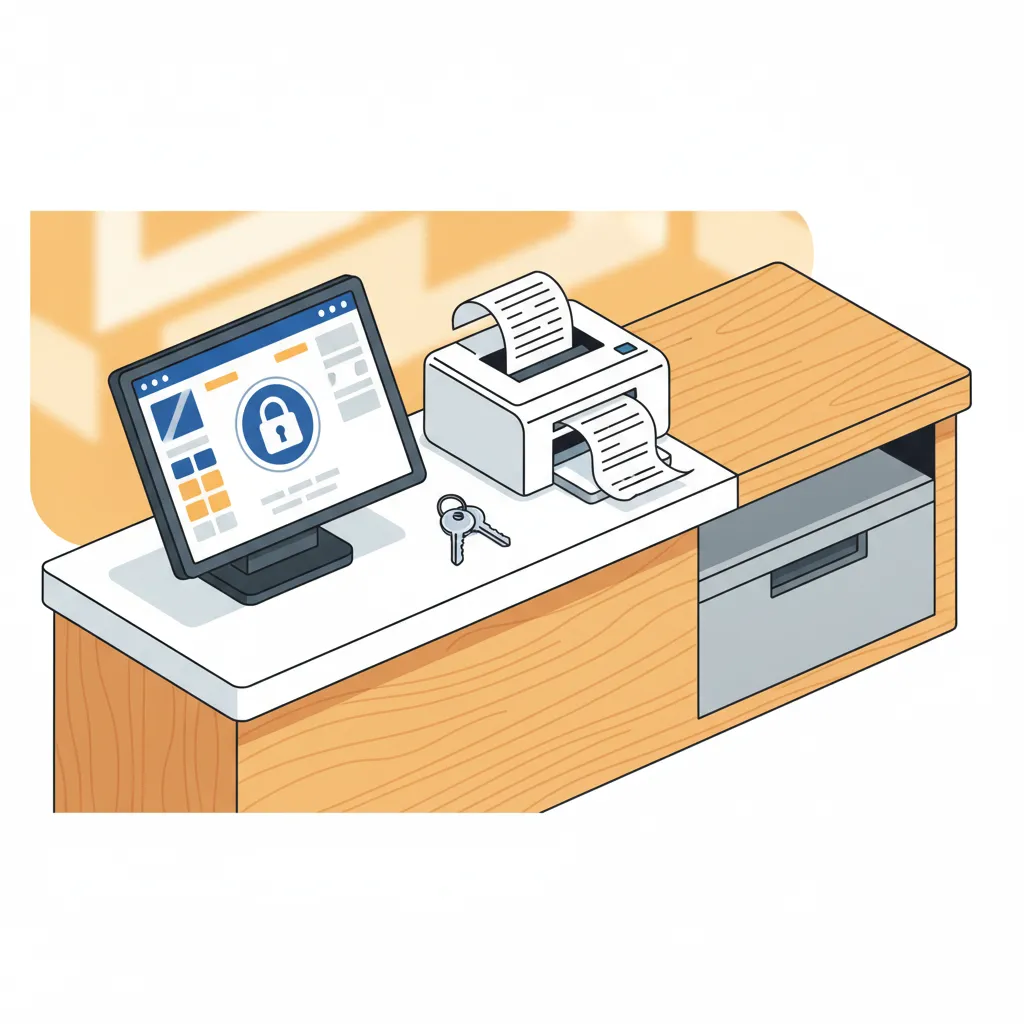
Every Pakistani retailer knows the sinking feeling of reconciling the cash drawer at closing time and finding it short by Rs 1,500, Rs 3,000, or more. Even more frustrating are the days when the cash drawer balances perfectly, yet inventory records show that expensive stock has simply vanished from the shelves. When stock counts and cash tallies constantly contradict each other, the issue is rarely bad luck or accidental arithmetic. In most retail setups, unexplained shrinkage traces back to an unprotected billing counter.
Trusting your staff is essential to running a business, but blind trust without operational guardrails invites trouble. When every counter worker shares a single administrative password or has unrestricted access to edit sales, void bills, and overwrite prices, even honest employees face temptation during busy rush hours. Protecting your shop does not require turning your counter into a hostile interrogation room; it simply requires the right system permissions, clear counter protocols, and activity logs that keep everyone accountable.
The Common Types of Counter Billing Fraud in Retail
Internal theft at the retail counter rarely involves someone grabbing a fistful of notes straight out of the cash register. Cashiers and counter helpers know that a sudden, massive cash shortage raises immediate alarms. Instead, billing fraud usually happens quietly through small, systemic manipulations that exploit software loopholes or poor shop routines.
1. The Phantom Void and Post-Sale Cancellation
This is among the most widespread billing tricks in busy retail shops, supermarkets, and bakeries. A customer approaches the counter, picks up three items, pays Rs 1,800 in cash, and declines a printed receipt before walking out. Because the customer has left, an unrestricted cashier simply presses "Void Bill" or "Delete Sale" on the screen. The sale disappears from the sales report, the cashier pockets the Rs 1,800 cash, and the transaction looks as if it never took place. At month-end, the missing items are written off as misplaced inventory or supplier shortages.
2. The Unchecked Price and Discount Overwrite
When staff members have permission to enter custom discounts or manually override item selling prices on the billing screen, revenue leaks silently. An employee can ring up a premium product priced at Rs 4,500, manually change the billing line to Rs 3,500 for an acquaintance, or charge the customer the full Rs 4,500 in cash while recording the discounted Rs 3,500 in the system and pocketing the Rs 1,000 difference.
3. Clearing the Screen Without Completing the Sale
In shops where barcode scanning is paired with an open calculator or an unfinalized transaction screen, a cashier might scan all the products to calculate the total amount for the customer. Once the customer hands over the physical cash, the cashier clicks "Clear Cart" or "Cancel Transaction" instead of clicking "Pay & Print Receipt." Unless the owner checks line-item cancellation rates, this cash walks out the door unnoticed.
4. Altering Historical Records and Customer Credit (Khata)
In neighbourhood retail stores that run customer khata accounts, allowing staff to edit previous days' records or adjust customer ledger balances without owner approval is a massive vulnerability. Unauthorised staff can easily shift unpaid balances between accounts, write off personal purchases under dormant credit profiles, or backdate entries to hide day-to-day cash shortfalls.
The Principle of Least Privilege: What Cashiers Should (and Shouldn't) Access
In modern operational management, security relies on the principle of least privilege. This means every worker receives only the exact system access needed to complete their daily job—and absolutely nothing more. A counter cashier needs to move customers through the line quickly, scan items, collect payment, and issue a receipt. They do not need the ability to edit stock purchasing costs, wipe transaction histories, or alter supplier accounts.
Restricting permissions is not an accusation against your team; it is an operational standard that protects both the business owner's margins and honest workers from unfair suspicion.
When establishing roles within your store, draw a clear line between cashier duties and managerial permissions:
- Allowed for Cashier Roles: Scanning items, searching products by name or SKU, adding items to a cart, selecting payment methods (cash, card), completing the sale, printing the receipt, and checking basic stock availability.
- Restricted to Owner/Manager Roles: Deleting finalized bills, voiding line items after printing, applying custom off-book discounts, editing product retail prices, viewing wholesale purchase costs, viewing business-wide profit margins, modifying supplier ledgers, and adjusting inventory counts manually.
Checklist: Practical Counter Controls to Prevent Theft
Software roles work best when supported by everyday physical counter habits. Implement this operational checklist across your store to close procedural gaps:
- Separate User Profiles for Every Shift: Never allow staff to log into a single generic "Cashier" or "Admin" profile. Every employee must have their own secure login. When three different people use the same counter login during the day, it becomes impossible to determine who made an erroneous adjustment or voided a sale.
- Manager Passcode for Voids and Returns: If a customer genuinely changes their mind at the counter or returns an item, require a supervisor or manager to enter their credentials to approve the void or refund. Knowing that a second pair of eyes is required immediately stops phantom cancellations.
- Enforce a "Mandatory Receipt" Policy: Place a neat, prominent sign at the counter stating that every customer must receive a printed receipt. This discourages staff from clearing the screen without hitting print, because shoppers naturally expect to see the paper ticket come out of the thermal printer.
- Perform Daily Blind Till Counts: At the end of each shift, have the cashier count the physical cash in the drawer and note it down on paper before they see the system's expected cash total. When cashiers do not know the exact expected number in advance, they cannot skim surplus cash left over from unrecorded items.
- Tie Counter Timestamps to CCTV: If you have security cameras installed, aim one directly at the till screen and cash drawer. When your system generates time-stamped transaction logs, you can easily pull up the corresponding CCTV footage whenever an unusual void or refund occurs.
The Role of Activity Logs and Real-Time Monitoring
Setting up permissions prevents unauthorized actions, but tracking permitted actions keeps the entire operation transparent. Activity logs record every meaningful action taken inside your billing system—who logged in, when an invoice was generated, which discounts were applied, and who opened the register.
Reviewing these logs does not mean spending hours scrolling through data. Smart store owners look for specific red flags during their weekly audits:
- Abnormal Void Frequency: Compare the number of cancelled transactions across your cashiers. If one cashier averages two voids a week while another cancels twenty bills over the same period, investigate the difference.
- Repeated Zero-Value or Manual Line Discounts: Frequent manual adjustments indicate that pricing rules are being bypassed at the counter.
- Off-Hour Activity: Check whether staff accounts are logging into the system outside of operating hours or during shift changeovers.
How CPOS Helps Secure Your Retail Counter
Managing staff access and counter accountability should not require complicated enterprise IT infrastructure. CPOS provides straightforward, built-in controls designed specifically for retail shops, medical stores, grocery outlets, mobile shops, and bakeries in Pakistan.
- Dedicated User Roles & Permissions: CPOS includes secure login capabilities and role-based permissions, allowing you to grant your counter staff access to fast barcode billing and invoicing while restricting administrative features, cost data, and historical edits to authorized managers.
- Encrypted Storage & Secure Cloud Sync: All transaction records and customer accounts are safeguarded with encrypted storage. With real-time cloud sync and automatic backups, historical sales data cannot be erased or manipulated locally to cover up cash discrepancies.
- Multi-Device Control and Monitoring: While your cashier bills customers on the counter desktop terminal, you can monitor store performance remotely through the CPOS web dashboard or mobile app. The mobile app delivers real-time sales alerts and team monitoring, giving you visibility over daily business activity whether you are at home, visiting wholesale markets, or traveling.
- Reliable Offline Billing: Internet outages and power cuts should never stop your counter or force staff into untracked pen-and-paper sales. CPOS features an offline mode that allows your cashiers to keep scanning barcodes and printing receipts on supported thermal printers without internet. All data is stored locally and automatically syncs to the cloud once the connection restores, preventing lost records.
Lock Down Your Register to Protect Your Profits
In retail, your profit margin lives or dies at the cash counter. Leaks of just a few hundred rupees a day quietly drain tens of thousands of rupees from your bottom line every year. By implementing distinct user accounts, restricting high-risk billing actions to managerial approval, and monitoring counter activity regularly, you build a store environment where errors are caught instantly and dishonest practices cannot take root.
Take control of your counter security today. You can start with CPOS free to set up role-based billing, streamline your sales, and keep your shop's profits exactly where they belong.
===CONTENT===